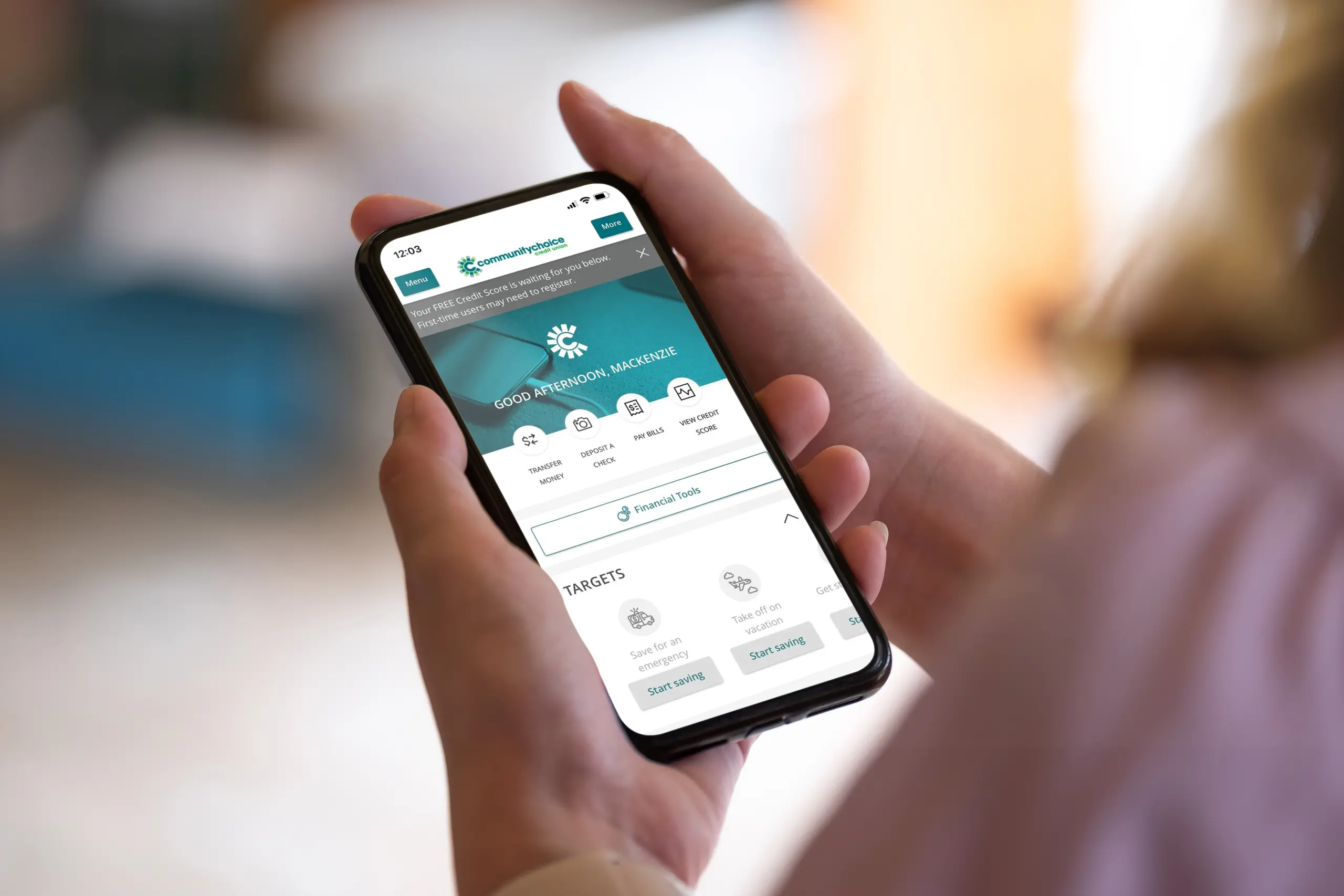
October is Cybersecurity Awareness Month, which makes it a great time for a quick digital safety checkup. Cybersecurity doesn’t have to be complicated or intimidating. A few everyday habits can help protect your personal information, online accounts and finances from scams and fraud. Start with the basics, stay alert to unexpected requests and know what to do if something doesn’t feel right.

What is cybersecurity, and why does it matter for your finances?
Cybersecurity simply means protecting your devices, accounts, information and online activity from unauthorized access or misuse.
That includes your email and social media accounts, but it’s especially important when it comes to your finances. Online and mobile banking make managing money much more convenient, but they also make your passwords, financial information and personal data valuable targets.
Common cyber-related crimes include identity theft, fraud and scams. Many scams begin with an email, text or phone message that appears to come from a legitimate organization.
You don’t have to give up the convenience of digital banking to protect yourself. Instead, think of cybersecurity as a few good habits that you use every day.
What are the best ways to protect yourself from cyber threats?
The Cybersecurity and Infrastructure Security Agency (CISA) recommends four core steps for individuals: avoid and report phishing, use strong passwords, use multifactor authentication and a password manager, and keep software updated.
Here’s what that looks like in everyday life:
- Use strong, unique passwords. Don’t reuse the same password across your banking, email, shopping and social media accounts.
- Turn on multifactor authentication (MFA). It adds another layer of verification if someone gets your password.
- Use a password manager. It can help you create and securely manage unique passwords without having to remember every one.
- Keep your devices and apps updated. Software updates often address known security vulnerabilities.
- Think before clicking. Unexpected links, attachments and QR codes deserve a second look, especially when a message is pushing you to act quickly.
- Protect your personal information. Be careful about giving out Social Security numbers, account information, passwords, PINs and other sensitive details.
These aren’t complicated steps, but together they can strengthen your digital security considerably.

How can you spot phishing emails, scam texts and fake phone calls?
Phishing is one of the most familiar forms of cyber fraud. A message appears to come from a company or person you trust and tries to convince you to reveal information, open a link or take another action. Phishing messages can appear to come from familiar sources such as a bank or mortgage company.
And email isn’t the only place to be cautious.
Fraudsters may use text messages, often called smishing, or phone calls, sometimes called vishing. They can also spoof a phone number to make an incoming call look legitimate. Bank impersonation scams frequently use fake fraud alerts and requests to confirm account details or personal information.
Some common red flags include:
- An unexpected request for personal or financial information
- Pressure to act immediately
- A message asking you to click a link to “verify” your account
- A request for a password, PIN or security code
- Instructions to move money to “protect” it
- An unexpected attachment
- A phone call that asks you to provide information before discussing supposed fraud
If something seems off, slow down. Don’t use the link, phone number or contact information provided in the suspicious message. Instead, contact the organization through a method you already know is legitimate.
That’s especially important with financial scams. Consumers lost $3.5 billion to imposter scams in 2025, and bank impersonators produced the highest reported losses among business impersonators.
How can you protect your account from fraud?
Start by checking your accounts regularly. Catching an unfamiliar transaction quickly gives you the opportunity to contact your financial institution and determine what happened.
If you’re a Community Choice member, e-Banking and the mobile app can help you monitor your accounts, with notifications involving activity such as balances, deposits or withdrawals, cleared checks and other account events.
It’s also important to treat your banking credentials as private information.
Community Choice will never contact you by phone, email, text, direct message or pop-up asking for personal or account information. Members should never give someone their login information or codes delivered by text or email.
Scammers can even spoof a familiar phone number, so caller ID alone shouldn’t be considered proof that a call is legitimate.
Not sure about a message or call? Stop the conversation and contact Community Choice directly. You can also bookmark our latest Community Choice scam alerts to stay current on scams affecting members.

What is bank impersonation fraud?
A bank or credit union impersonation scam happens when a fraudster pretends to represent your financial institution. The initial contact may sound convincing:
“We’re calling about suspicious activity on your account.”
That’s exactly why these scams can work. A message about fraud naturally gets your attention.
The simplest response is often the best: pause and verify independently.
Hang up or stop responding, then contact your financial institution using a trusted phone number or official website. Use contact information you’ve looked up yourself when you’re unsure whether a message is legitimate.
How can you protect yourself from identity theft?
Identity theft happens when someone obtains personal information and uses it without your permission, potentially to open accounts, make purchases, obtain loans or commit other types of fraud.
A few habits can help reduce your exposure:
- Limit how much sensitive information you share
- Review financial accounts for unfamiliar activity
- Check your credit reports
- Don’t provide information in response to an unexpected request
- Secure your email account as carefully as your financial accounts
- Be thoughtful about what personal information you share publicly
- Act quickly if you notice something you don’t recognize


Parents should think about their children’s information, too. A child’s Social Security number, name, address or date of birth can potentially be misused for fraud, sometimes without being noticed for years. Community Choice explains additional steps families can take in Safeguarding Your Child’s Identity.

Stay informed and protect your finances
Knowing what to look for makes scams easier to spot. Explore our latest scam alerts and fraud-prevention tips to learn about current threats and simple ways to protect your accounts. If you’re concerned about activity involving your Community Choice account, contact us directly at 877.243.2528.
Frequently asked questions
What are the most common warning signs of a financial scam?
Common warning signs include unexpected requests for personal or financial information, pressure to act immediately, suspicious links and requests for passwords, PINs or security codes. Be especially cautious if someone tells you to move money to “protect” it. Legitimate financial institutions won’t call or text asking you to move money to protect it. If something doesn’t feel right, stop and contact the organization directly using contact information you trust.
Will Community Choice ever ask for my password or security code?
No. Community Choice will never contact you by phone, email, text, direct message or pop-up asking for personal or account information. You should also never give someone your login information or codes sent to you by text or email. Learn more about scams currently affecting Community Choice members.
How can I tell if a call or text from my bank or credit union is real?
Don’t rely on caller ID alone. Scammers can spoof phone numbers to make calls appear to come from a legitimate financial institution. If you’re unsure, don’t click a link, respond to the message or provide information. Instead, contact your financial institution through a phone number or website you already know is legitimate.
What can I do to help prevent identity theft and financial fraud?
Protect sensitive information, use strong and unique passwords, review your financial accounts regularly and be cautious with unexpected requests for information. Monitoring your credit reports can also help you identify activity you don’t recognize. Community Choice provides additional tips to help prevent identity theft, including common warning signs and ways personal information may be misused.
What should I do if I think there’s fraud on my Community Choice account?
Contact Community Choice immediately if you believe your account is being used fraudulently. If your Community Choice Mastercard® is lost or stolen, you should also report it right away by calling 877.243.2528. You can monitor your financial accounts through e-Banking and the mobile app and use e-Alerts to help keep track of account activity.